HomeBox: the always-on helper at home
The Ienoa app already lets you control devices and answer the intercom at home. Adding HomeBox gives your home an always-on smart hub: real-time visitor and alarm alerts, remote control while you're away, face recognition at the entrance, and a voice assistant. All of your data stays in your home.
What HomeBox enables
Visitor and alarm alerts
Alerts arrive instantly whether or not the app is open, with direct access to the door camera and calling. Fire and gas alarms reach you wherever you are.
Remote control
Operate air conditioning, cameras and energy devices while away, and open the entrance for visitors. No VPN or account required: your phone connects directly to your HomeBox over an end-to-end encrypted channel.
Face recognition entry
When family members call from the entrance, they are identified and the door opens automatically, no phone needed. Your existing intercom units are used as they are.
Voice assistant
Manage family schedules and appliances in natural language, and ask about the weather, market prices or when family members got home. Connect the AI model service of your choice.
Also supports Matter smart plugs and switches, network cameras and more. See Compatibility.
Face unlock: privacy and safety
On-device, never leaves home
Recognition runs entirely on your HomeBox, with no cloud dependency. Face templates are stored encrypted, with keys held only on the device, out of the developer's reach.
Managed only by authorized devices
Enrollment and removal happen only on an authorized admin device, behind biometric verification. Other devices can neither see nor change anything.
Liveness detection, layered checks
Deep-learning liveness detection guards against photos, screen replays and other spoofing. Faces are matched by a high-accuracy model, and nothing below the trust threshold gets through.
Recognition history is kept only briefly on the device and cleared automatically. The feature can be turned off and enrolled data fully erased at any time.
Network connections and data flow
HomeBox transmits no user data to the developer and does not connect to any developer data server. External communication is limited to the cases below, all of which can be inspected and verified in real time under "Privacy & Security" in the HomeBox desktop app.
Encrypted relay
Under Apple's platform rules, push notifications are delivered via the Apple Push Notification service (APNs), and remote connections are established with the help of a relay. Both are handled by the same relay service, which only ever processes end-to-end encrypted data and cannot read its contents.
Peer-to-peer connection
Once established, data flows directly between your phone and HomeBox without passing through any third-party server. Setup only queries public STUN services for network addresses; no data content is involved.
Services you choose
Public services such as AI models, weather and market data are called only when you use those features, according to your settings. If not enabled, no connection is made.
Local processing
Intercom, appliances, cameras and face recognition all run within your home network. No account, no ads, no analytics or tracking.
Transport security: X25519 key agreement with AES-256-GCM authenticated encryption, fresh keys for every session providing forward secrecy, with an additional TLS layer inside the encrypted channel. See the Privacy Policy.
Two forms, equal capability
Desktop
Mac
Runs on a Mac that stays on at home. The menu bar and management window give a unified view of status, paired devices, recognition history and alarms, with launch at login, automatic recovery and one-click self-check.
Box
Coming
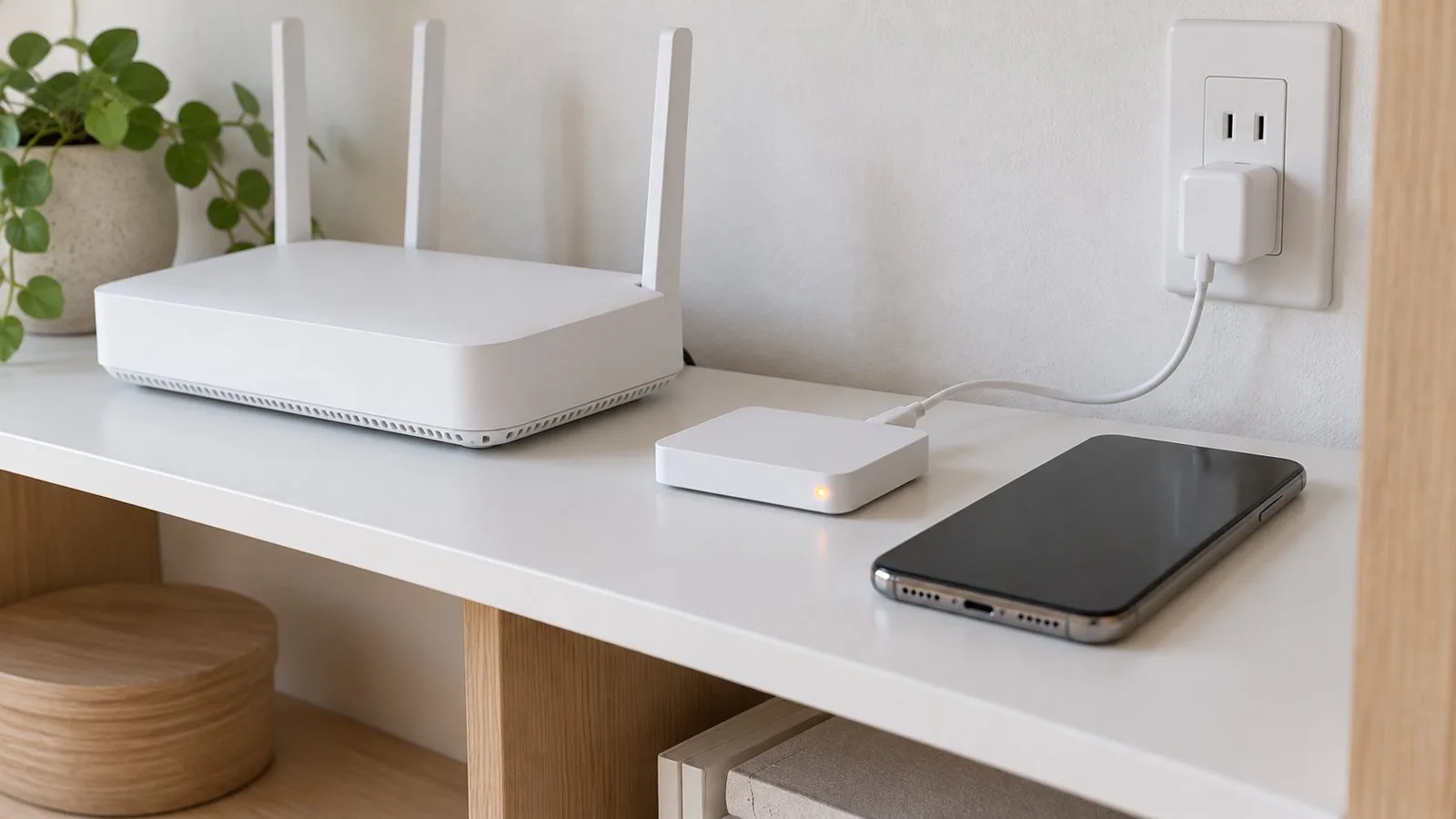
Compact dedicated hardware. Place it near your router and plug it in; low power and maintenance-free, configured by following the app.
Device pairing
Add HomeBox in the Ienoa app and enter the pairing code. Each phone pairs once and works both at home and away.
Get started with HomeBox
The desktop version will be available for download soon. For early access or any questions, contact support@ienoa.com
Ienoa is an independent app, not affiliated with Panasonic, Apple or other manufacturers. Mac is a trademark of Apple Inc.; Matter is a trademark of the Connectivity Standards Alliance. Names are used only to describe compatibility.